POS System Price in UAE: Costs, Features & Hidden Fees
Learn what affects POS system price in UAE, from software and hardware to payment charges and extra features. Explore how YouCloud supports retail and restaurant businesses.
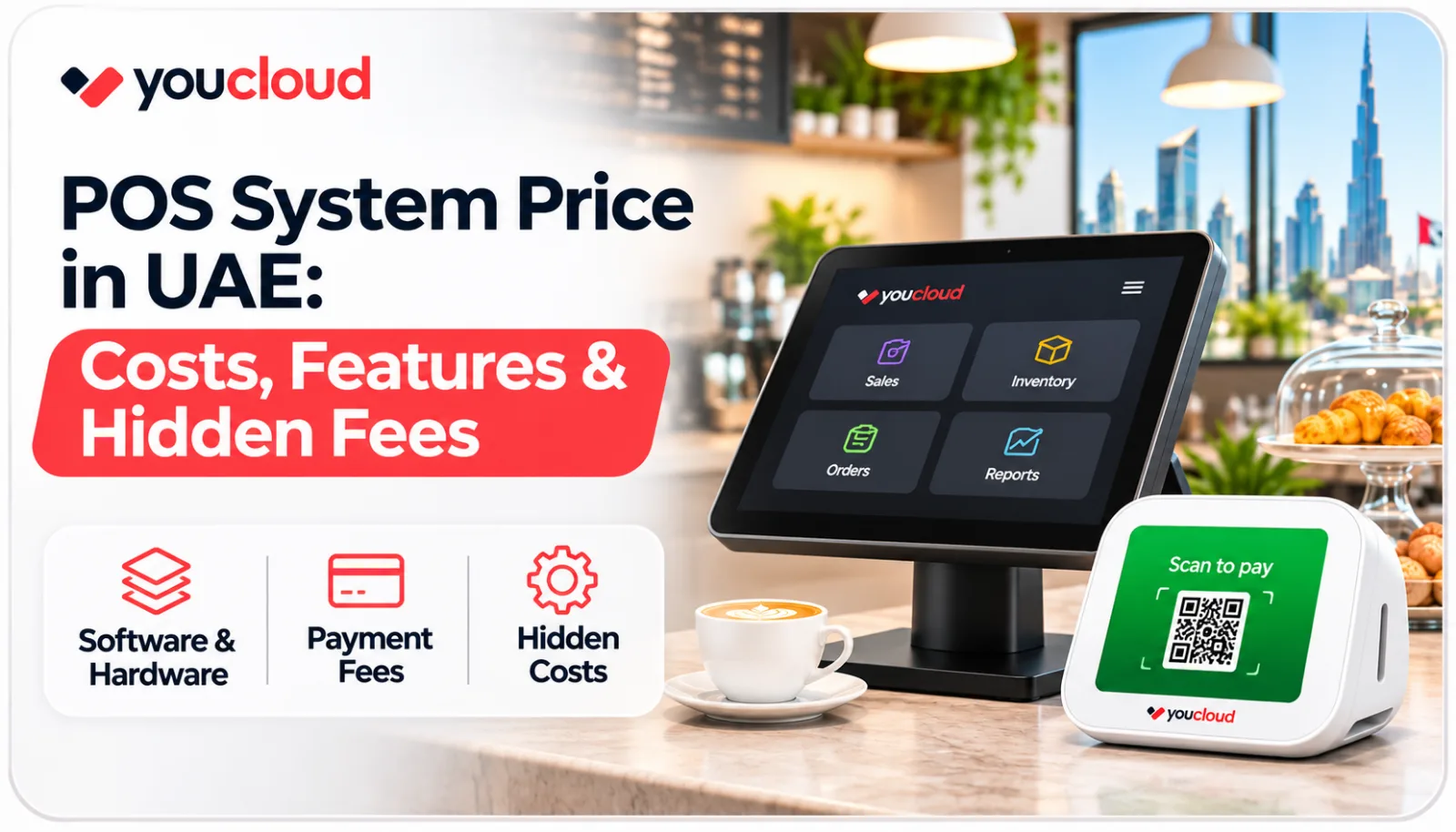
Choosing a POS system for your shop or café? The POS system price in UAE depends on the tools you need. Software, hardware, and payment fees all affect the final cost.
However, a cheap POS may not save money in the long run. Extra fees can make a basic plan more costly.
So, what should you check before buying? This guide explains the main costs and helps you choose wisely.
What Affects the Cost of a POS System?
Each business has different needs. For example, a small shop may use one checkout counter. A busy restaurant, however, may need several devices.
Here are three main factors that affect the price.
1. POS Software Plans
Some POS providers charge a monthly fee. Others offer a one-time licence.
YouCloud offers tools for different types of businesses:
- youShop: Handle retail sales, stock, and customer records.
- youResto: Run restaurant orders and kitchen tasks.
- Self-Service Kiosk: Let customers place their own orders.
- youPay: Support digital payment services.
YouCloud's wider platform lists free and paid software plans. However, UAE prices and plan terms should be confirmed before purchase.
2. POS Hardware
The POS machine price in UAE depends on the devices you choose.
A retail store may need:
- POS terminal or tablet
- Barcode scanner
- Receipt printer
- Cash drawer
- Payment terminal
For example, a small shop may use a tablet and printer. Larger stores may need more checkout counters.
Therefore, choose devices that match your daily sales.
3. Store Size and Locations
A single store may only need a basic POS setup. In contrast, a business with several branches may need more tools.
Store owners may want to check stock and sales across locations. As a result, adding branches or devices can increase the total cost.
Before buying, ask how the price changes as your business grows.
5 Extra POS Costs You Should Check
A starting price may not cover every service. So, review these possible costs before choosing a plan.
1. Payment Processing Fees
Card payments may include a fee for each sale. The amount depends on your payment provider.
Therefore, ask how transaction charges work.
2. Additional Hardware
Some shops need extra printers, scanners, or card readers.
Check which devices come with your POS package. Also, ask about the cost of adding more equipment.
3. Paid Features
Basic plans may not include every tool. For example, some providers charge extra for advanced reports or loyalty features.
Review the plan details before you pay.
4. Setup and Staff Training
A new POS system may need setup and staff training.
Some providers include these services. Others may charge extra. So, ask for a clear quote.
5. Support and Repairs
Fast support matters when a checkout device stops working.
However, repair visits or added support may cost more. Check the support terms before signing up.
Which POS Features Does Your Business Need?
The right POS should make daily work easier. You do not need to pay for features you will never use.
For Retail Stores
A retail POS system should help your team:
- Create bills quickly
- Scan product barcodes
- Track stock levels
- Manage customer records
- View sales reports
YouCloud's youShop supports retail sales and stock control.
As a result, store owners can handle key tasks in one place.
For Restaurants and Cafés
Restaurants need tools for fast orders and smooth service.
Useful features include:
- Order management
- Menu updates
- Kitchen order tracking
- Table management
- Payment options
YouCloud's youResto helps teams manage orders and kitchen work.
In addition, it supports daily restaurant tasks.
How to Compare POS System Prices
Before buying, review these seven points:
- Software: Check the monthly or yearly fee.
- Hardware: Find out which devices are included.
- Payments: Ask about fees for card transactions.
- Features: Review the cost of extra tools.
- New branches: Learn how store growth affects pricing.
- Support: Confirm which services come with the plan.
- Setup: Find out whether training costs extra.
Also, calculate the total cost for one year. This gives you a clearer view of your budget.
Why Choose YouCloud for Your UAE Business?
YouCloud offers connected POS tools for shops, cafés, and restaurants.
Retailers can use youShop to manage sales and stock. Meanwhile, youResto helps restaurant teams handle orders.
Digital payment needs can be discussed through youPay.
Together, these tools can help businesses manage daily tasks with less effort.
However, the right setup depends on your business needs. Contact YouCloud to confirm available UAE plans and pricing.
FAQs About POS System Price in UAE
What is the POS system price in UAE?
There is no single fixed price. Software, hardware, and business size affect the total.
Therefore, ask for a full quote before making a choice.
Can I get free POS software?
Some providers offer free plans with limits. YouCloud's wider platform also lists a free starting tier.
However, check whether it is available for your UAE business.
Does a POS machine include software?
Not always. Some sellers provide hardware and software separately.
So, review the package details before buying.
Is cloud POS good for small shops?
Cloud POS can help you check sales and stock online. It may also support stores with more than one location.
However, choose a system based on your budget and daily needs.
Final Thoughts
The POS system price in UAE includes more than software costs. Hardware, payment fees, and support can add to your bill.
Therefore, compare the full cost before buying. Focus on features that help your business today and as it grows.
Looking for a POS system in the UAE?
Explore YouCloud UAE and ask for a POS setup that fits your shop, café, or restaurant.